 11
11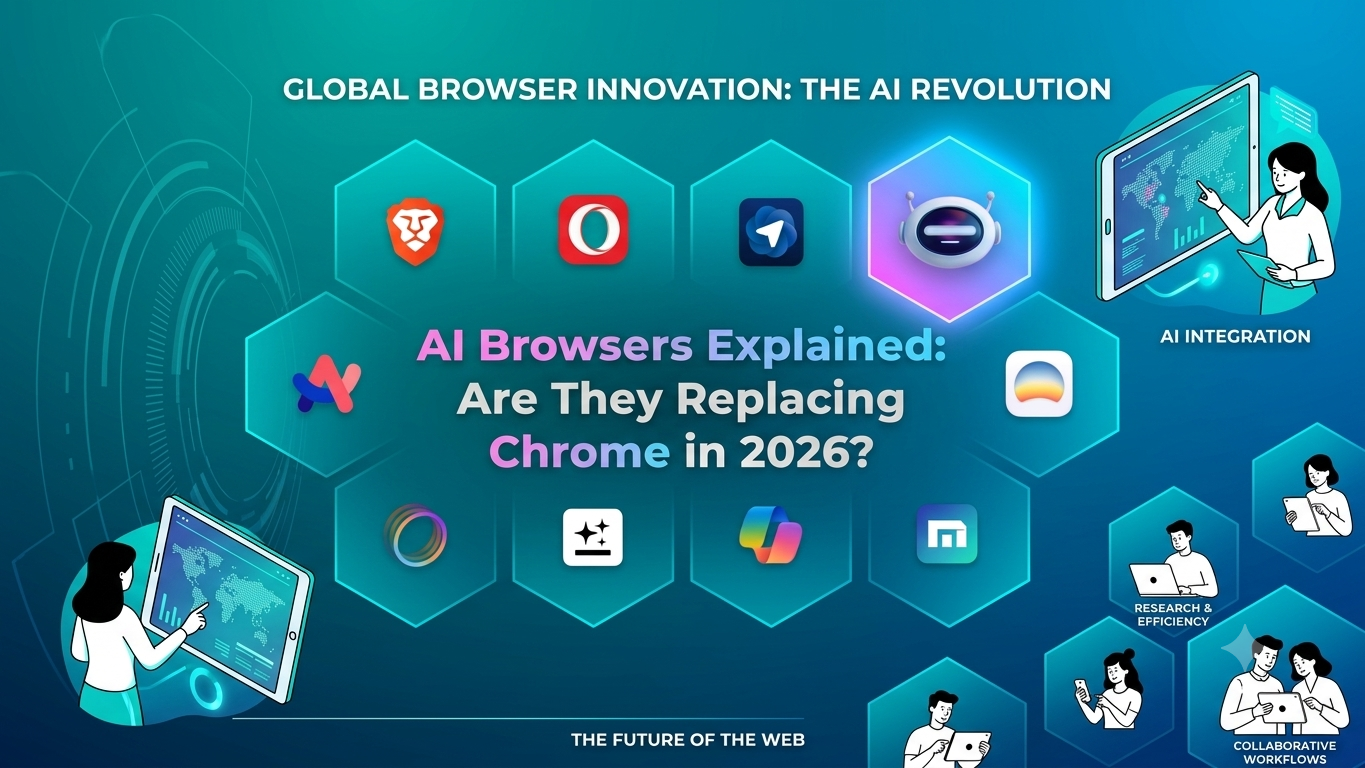
The web AI browser has remained largely unchanged for decades. Users open a browser, type a search query, browse through links, and manually gather information. However, the rapid rise of artificial intelligence is transforming this experience. In 2026, AI browsers have become one of the biggest technology trends, promising a smarter way to search, research, and complete tasks online.
But an important question remains: Are AI browsers replacing Google Chrome, or are they simply adding new capabilities to traditional browsing? The answer is more complex than a simple yes or no. While AI browsers are gaining popularity, Chrome still dominates the market thanks to its speed, reliability, and vast ecosystem.
In this article, we’ll explore what AI browsers are, how they work, their key features, the leading AI browsers available today, and whether they have the potential to replace Chrome in the near future.
The short answer is no, AI browsers are not replacing Chrome in 2026—but they are changing how people browse the web.
AI-powered browsers have become one of the biggest technology trends of 2026. Instead of simply displaying websites, these browsers can summarize content, answer questions, automate tasks, and even perform actions on behalf of users. While they offer a more intelligent browsing experience, traditional browsers like Google Chrome still dominate the market due to their speed, compatibility, and massive user base.
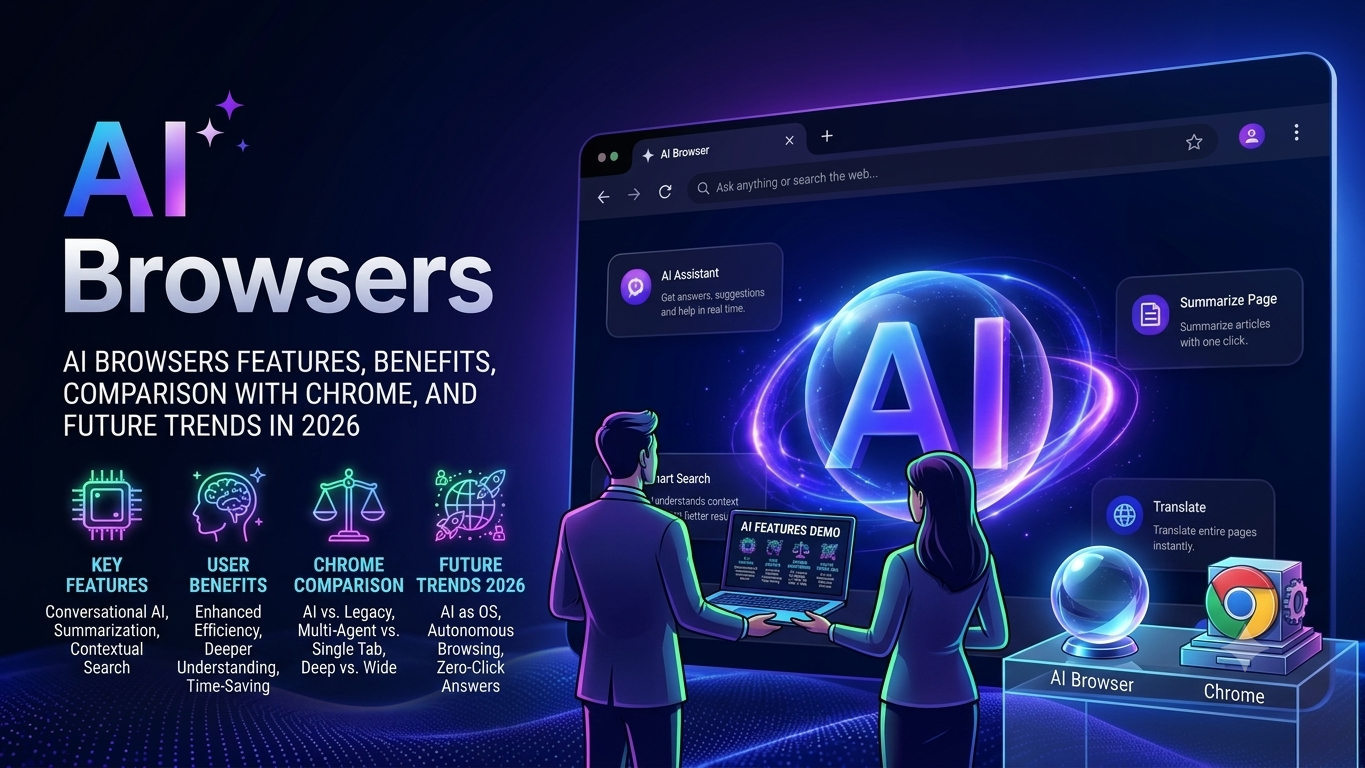
An AI browser is a next-generation web browser that uses artificial intelligence to enhance the way people search, read, and interact with online content. Unlike traditional browsers, which simply display websites and rely on users to manually find information, AI browsers can understand natural language, analyze web pages, summarize content, and provide direct answers to questions. They act as both a browser and an intelligent assistant, helping users complete tasks more efficiently without constantly switching between multiple tabs or applications.
AI browsers leverage advanced large language models (LLMs) and machine learning technologies to understand user intent and deliver personalized, context-aware responses. For example, instead of searching through dozens of websites to compare products or research a topic, users can ask an AI browser a question in plain English and receive a comprehensive summary generated from multiple sources. This significantly reduces the time spent gathering information and makes online research faster and more productive.
Another important feature of AI browsers is task automation. Many AI-powered browsers can assist with writing emails, generating content, summarizing documents, translating text, organizing research, and even performing web-based actions on behalf of users. These capabilities transform the browser from a simple tool for accessing websites into an intelligent productivity platform. As a result, professionals, students, content creators, marketers, and businesses are increasingly adopting AI browsers to streamline their daily workflows.
Popular AI browsers and AI-powered browsing tools include:
These tools aim to reduce the time spent searching, reading, and switching between tabs. AI browsers are part of the broader trend of intelligent software systems. Learn more in our guide on AI Agents Explained: The Biggest AI Trend of 2026.
AI browsers also improve the overall browsing experience by reducing information overload. Instead of opening countless tabs and reading lengthy articles, users can receive concise summaries and key insights instantly. Some AI browsers can remember previous conversations and browsing context, enabling more natural and personalized interactions over time. This conversational approach to web navigation makes finding information easier, especially for complex topics that require data from multiple sources.
As artificial intelligence continues to evolve, AI browsers are becoming a major trend in the technology industry. They represent a shift from traditional keyword-based web navigation to intelligent, assistant-driven browsing. While conventional browsers remain popular, AI browsers are shaping the future of the internet by making information more accessible, tasks more automated, and online experiences more efficient than ever before.
An AI browser works by combining a traditional web browser with advanced artificial intelligence technologies such as large language models (LLMs), machine learning algorithms, and natural language processing (NLP). While a standard browser simply loads and displays web pages, an AI browser actively understands the content users view and helps them interact with information more efficiently. It acts as an intelligent assistant that can analyze websites, answer questions, summarize articles, and automate tasks directly within the browsing experience.
When a user enters a question or command, the AI browser first interprets the intent behind the request using natural language processing. Instead of focusing only on keywords, it understands the meaning and context of the query. The browser then gathers information from relevant web pages, databases, or search results and processes that data through an AI model. The model analyzes the information, identifies key points, and generates a clear, conversational response. This allows users to receive direct answers without manually opening multiple websites and comparing information themselves.
AI browsers use large language models (LLMs), web automation, and natural language processing to understand user intent. Users can type commands such as:
The browser then gathers information from multiple sources, analyzes it, and provides a concise answer or performs the requested task.
AI browsers also continuously analyze the content displayed on web pages. For example, if a user is reading a lengthy news article, research paper, or product review, the browser can automatically generate a summary highlighting the most important points. Some AI browsers can explain complex concepts, define unfamiliar terms, and answer follow-up questions related to the page content. This makes learning and research significantly faster and more efficient.
Another key feature is task automation. AI browsers can perform actions such as drafting emails, filling out forms, organizing notes, comparing products, translating text, scheduling appointments, and creating content. By understanding user instructions in plain language, the browser can execute tasks that would normally require several manual steps. This capability transforms the browser into a productivity tool rather than just a platform for viewing websites.
Many AI browsers also use contextual memory to improve interactions. They can remember previous conversations, research topics, and user preferences during a browsing session. This enables more personalized responses and allows users to continue tasks without repeatedly providing the same information. For example, if a user is researching AI tools, the browser can remember earlier questions and provide more relevant recommendations as the conversation progresses.
The process typically works like this:
Instead of searching keywords, users ask questions naturally.
Example:
“Find the best laptops under $1000 for programming.”
The browser scans multiple websites and sources.
The AI extracts relevant details and creates a concise answer.
Some AI browsers can:
This turns browsing into a conversational experience.
AI browsers are trending in 2026 because they transform the traditional web browsing experience into a smarter, faster, and more interactive one. Instead of simply displaying web pages, AI-powered browsers can understand user intent, summarize information, automate tasks, and provide direct answers. As artificial intelligence becomes more integrated into everyday workflows, users are looking for tools that save time and improve productivity, making AI browsers increasingly popular.
Several factors are driving the popularity of AI browsers:
One of the biggest reasons for the rise of AI browsers is their ability to quickly find and summarize information. Users no longer need to open dozens of tabs and read multiple articles. AI can analyze content from various sources and provide concise answers within seconds, making research much more efficient.
AI browsers help users complete tasks faster by automating repetitive actions. They can organize research, summarize meetings, draft emails, and even assist with scheduling. This productivity boost is especially valuable for professionals, students, marketers, and content creators.
AI browsers can explain complex topics, summarize lengthy documents, and highlight key insights. Whether users are reading research papers, news articles, or technical documentation, AI helps them understand information more quickly.
Traditional search engines require users to sift through multiple results to find relevant information. AI browsers provide conversational search experiences where users can ask detailed questions and receive direct, context-aware answers. This makes browsing feel more natural and efficient.
The rapid adoption of AI technologies across industries has increased demand for AI-powered products. As businesses and individuals rely more on artificial intelligence for work and learning, AI browsers have emerged as a logical next step in the evolution of web browsing.
Many internet users struggle with managing dozens of open tabs. AI browsers address this problem by summarizing content and providing answers directly, reducing the need to keep multiple pages open at the same time.
AI browsers are increasingly integrating with productivity tools, email platforms, cloud storage services, and business applications. This allows users to perform tasks and access information without constantly switching between different platforms.
Modern AI browsers include intelligent assistants that can answer questions, generate content, summarize webpages, translate text, and help with daily tasks. These features reduce the need to switch between different apps and AI tools, creating a more seamless experience.
AI browsers help users complete tasks faster by automating repetitive actions. They can organize research, summarize meetings, draft emails, and even assist with scheduling. This productivity boost is especially valuable for professionals, students, marketers, and content creators.
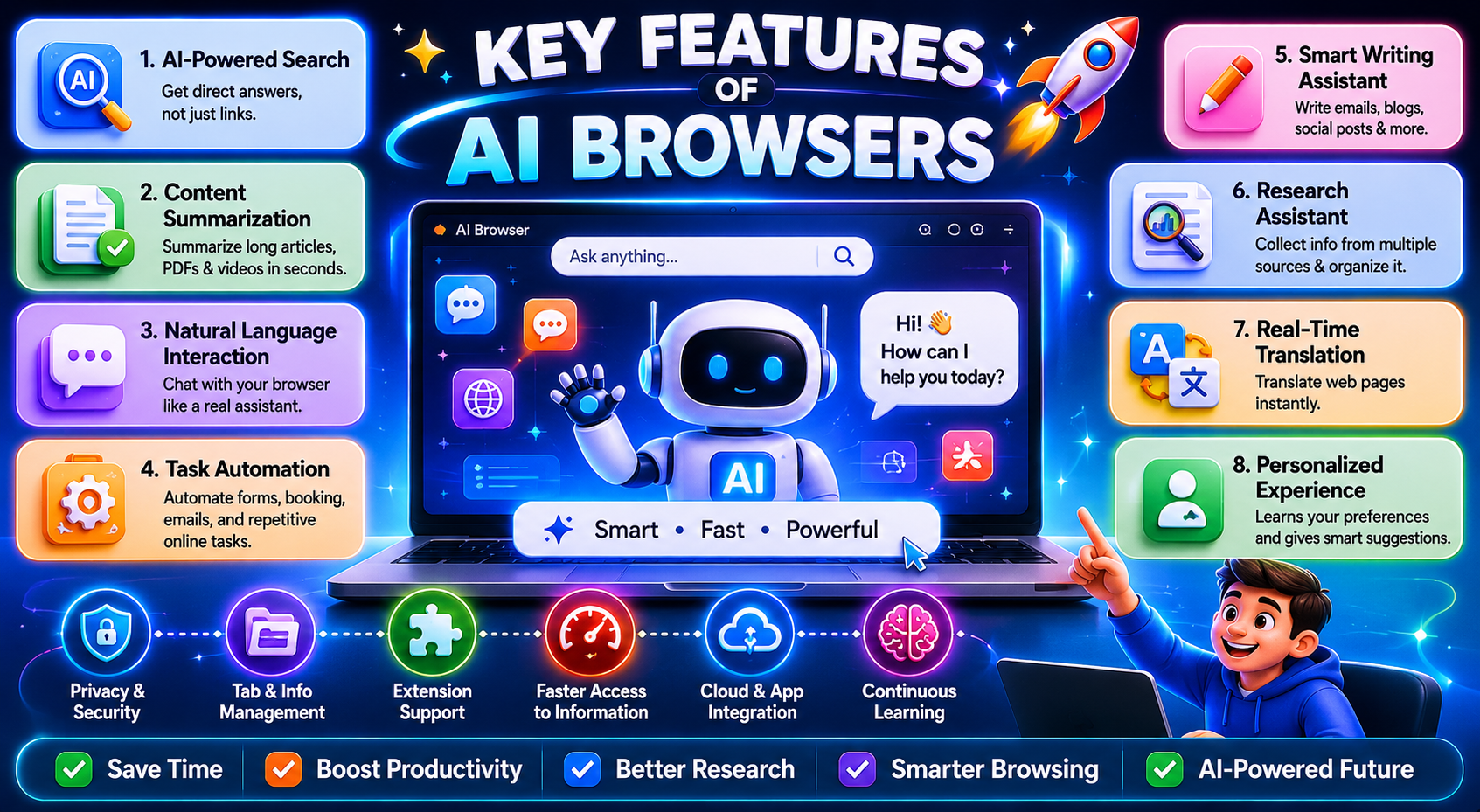
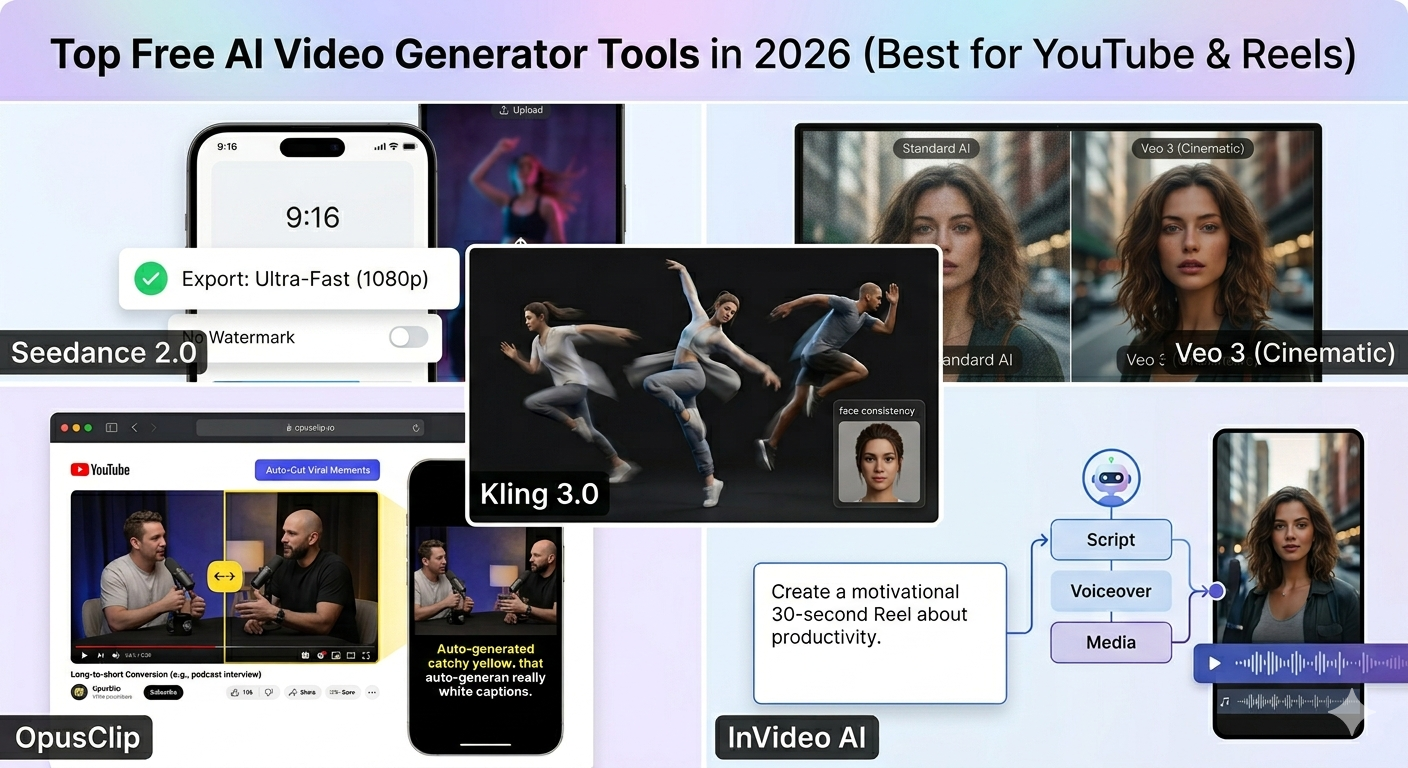
AI browsers are transforming the way people interact with the internet by combining traditional web browsing with powerful artificial intelligence capabilities. Unlike standard browsers that simply display websites, AI browsers can understand content, assist with tasks, and provide intelligent recommendations. These advanced features make browsing faster, smarter, and more productive for users across various industries. Many AI browsers include content creation tools similar to the platforms covered in our article on Top Free AI Video Generator Tools in 2026.
One of the most important features of AI browsers is their ability to provide direct answers instead of just displaying search results. Users can ask questions in natural language, and the browser analyzes multiple sources to generate clear, conversational responses. This eliminates the need to open numerous websites and manually gather information, making research much faster and more efficient.
AI browsers can automatically summarize lengthy articles, research papers, reports, videos, and web pages. Instead of spending time reading thousands of words, users can quickly understand the main points through concise summaries. This feature is especially useful for students, researchers, professionals, and content creators who regularly consume large amounts of information.
Traditional browsers rely on keyword-based searches, but AI browsers allow users to communicate using everyday language. Whether asking a question, requesting a comparison, or giving instructions, users can interact with the browser as if they were talking to a personal assistant. This conversational experience makes browsing more intuitive and accessible.
AI browsers can automate many repetitive online tasks. Users can instruct the browser to fill forms, organize information, schedule appointments, generate reports, draft emails, and perform other actions automatically. By reducing manual work, AI browsers help users save time and improve productivity throughout the day.
Built-in AI writing tools help users create high-quality content directly within the browser. These tools can generate blog posts, emails, social media captions, product descriptions, and marketing content. They can also improve grammar, enhance readability, rewrite text, and suggest better wording, making content creation easier for both professionals and beginners.
AI browsers can understand the context of what users are researching and provide personalized suggestions. For example, while reading about artificial intelligence, the browser may recommend related articles, tools, tutorials, or resources. This helps users discover valuable information without performing additional searches.
Instead of requiring users to compare information from multiple tabs, AI browsers can gather data from different sources and present it in a single, organized response. This feature is particularly useful for product comparisons, market research, academic studies, and business analysis, where information must be collected from various websites.
Many AI browsers include advanced translation features that can instantly convert web content into different languages. Users can browse international websites, read foreign-language articles, and communicate across language barriers without relying on separate translation tools.
AI browsers learn from user behavior and preferences over time. They can remember frequently visited websites, preferred topics, search patterns, and ongoing projects. This allows the browser to provide more relevant suggestions and create a customized browsing experience tailored to individual needs.
Managing dozens of open tabs can be overwhelming. AI browsers help organize browsing sessions by grouping related tabs, summarizing open pages, and highlighting important information. This reduces clutter and makes it easier to stay focused while working or researching online.
Many AI browsers integrate with calendars, email services, cloud storage platforms, and productivity applications. This allows users to manage tasks, access documents, schedule meetings, and communicate with team members without leaving the browser environment, creating a more streamlined workflow.
Some AI browsers offer intelligent privacy features that detect suspicious websites, identify potential scams, block trackers, and alert users about security risks. These capabilities help create a safer browsing experience while protecting personal data and online activity.
As artificial intelligence becomes a core part of the internet experience, many users are comparing AI browsers with traditional browsers like Google Chrome. While both allow users to access websites and browse the web, their approach to finding information and completing tasks is very different. AI browsers focus on automation, intelligent assistance, and conversational interactions, whereas Chrome remains focused on speed, compatibility, and a traditional browsing experience.
AI browsers are next-generation web browsers that integrate artificial intelligence directly into the browsing experience. They can summarize web pages, answer questions, generate content, compare information from multiple sources, and automate repetitive tasks. Instead of simply displaying websites, AI browsers actively help users understand and interact with online content.
Google Chrome is the world’s most popular web browser, known for its speed, reliability, security, and extensive extension ecosystem. Chrome provides access to websites and web applications while integrating seamlessly with Google’s services such as Gmail, Google Drive, Google Docs, and Google Workspace. Although Chrome now includes some AI-powered features, its primary design remains centered on traditional web browsing.
| Feature | AI Browsers | Google Chrome |
|---|---|---|
| Traditional Browsing | Yes | Yes |
| AI Assistant | Built-in | Limited |
| Website Summaries | Yes | Mostly Extensions |
| Task Automation | Advanced | Limited |
| Research Assistance | Strong | Basic |
| Conversational Search | Native | Limited |
| Productivity Tools | Integrated | External Tools |
Chrome remains powerful, but AI browsers are introducing capabilities that traditional browsers were not designed for.
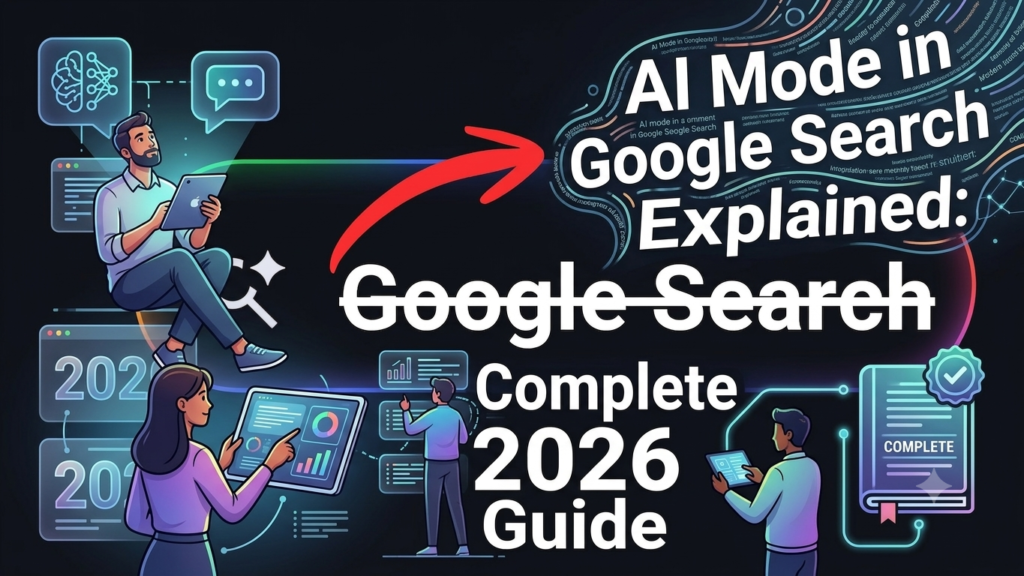
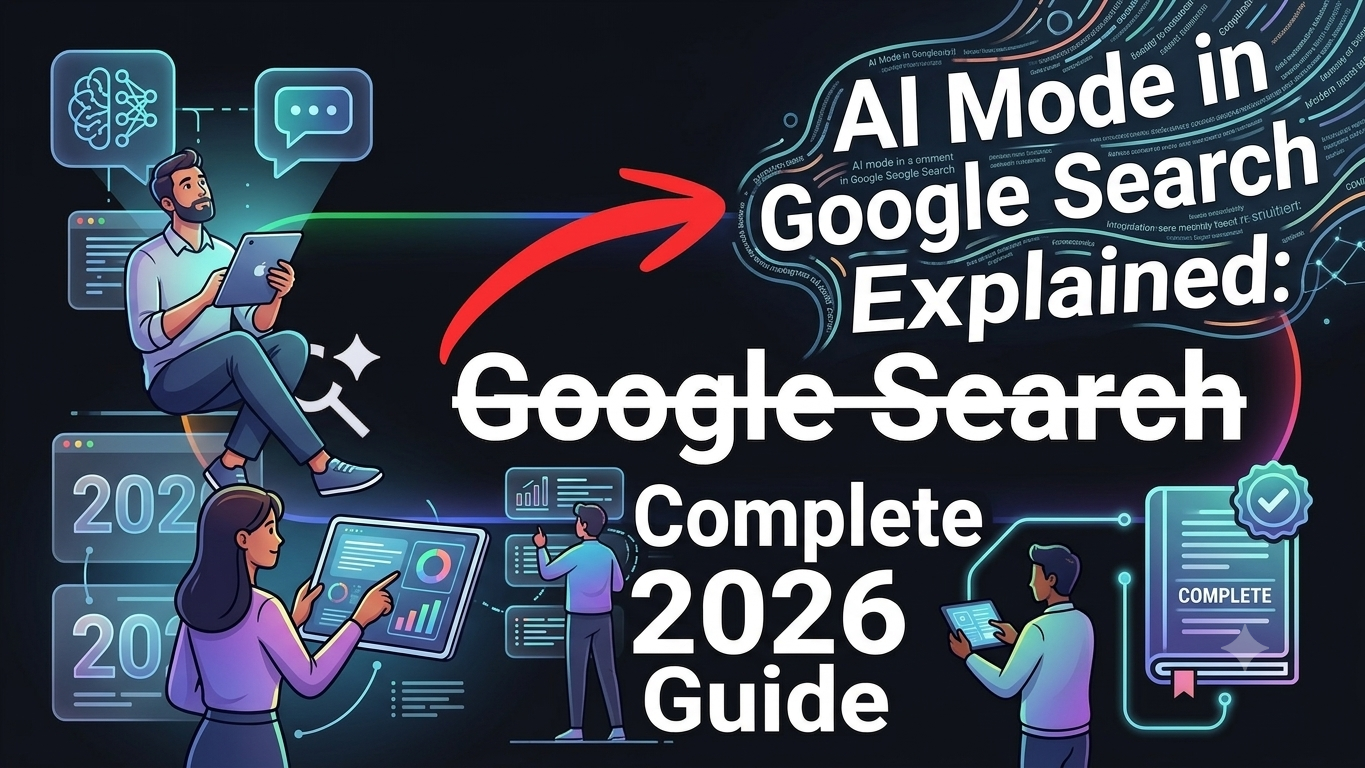
AI browsers represent one of the most significant shifts in internet technology since the rise of modern search engines. By combining browsing, AI assistance, and automation into a single experience, they are transforming how people interact with information online. If you’re interested in the latest AI innovations, check out our detailed guide on Google Gemini 3.5 Flash Explained (2026).
While Google Chrome remains the dominant browser in 2026, AI browsers are rapidly gaining attention because they offer faster research, smarter search, and powerful productivity features.
Rather than replacing Chrome immediately, AI browsers are redefining what users expect from a browser. Over the next few years, the competition between traditional browsers and AI-powered alternatives will shape the future of the web.
For users seeking greater efficiency and smarter workflows, AI browsers are no longer just an experiment—they are becoming the next evolution of internet browsing.