 11
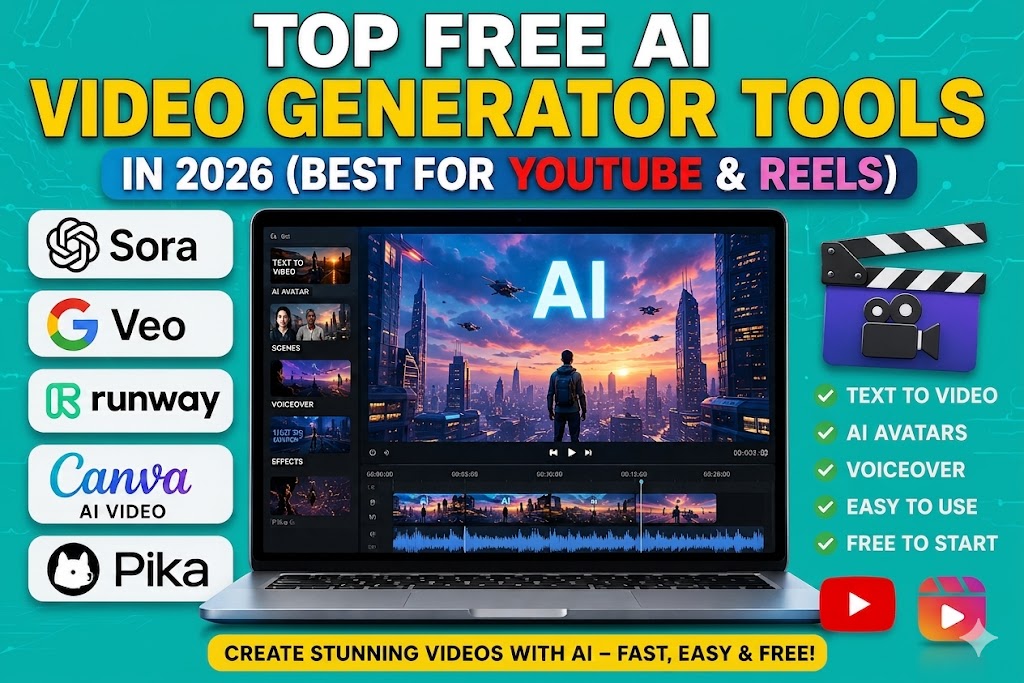
11 Top Free AI video generator tools have completely changed the way creators make content in 2026. Whether you are a YouTuber, Instagram Reels creator, freelancer, marketer, or beginner creator, AI tools can now generate professional-quality videos in minutes without expensive editing skills.
From text-to-video generation to AI avatars, automatic subtitles, voiceovers, and cinematic effects, these tools help creators save time and grow faster on platforms like YouTube Shorts, Instagram Reels, TikTok, and Facebook Videos.
In this article, we will explore the best free AI video generator tools in 2026, their features, pros and cons, pricing, and which tool is best for your content style. AI video tools are becoming as popular as modern AI chatbots compared in 2026.
AI video generator tools are software platforms that use artificial intelligence to create videos automatically. You can simply enter text prompts, scripts, images, or voice commands, and the AI generates a complete video with animations, transitions, subtitles, effects, music, and voiceovers.
These tools are especially popular in 2026 because short-form video content is dominating social media platforms.
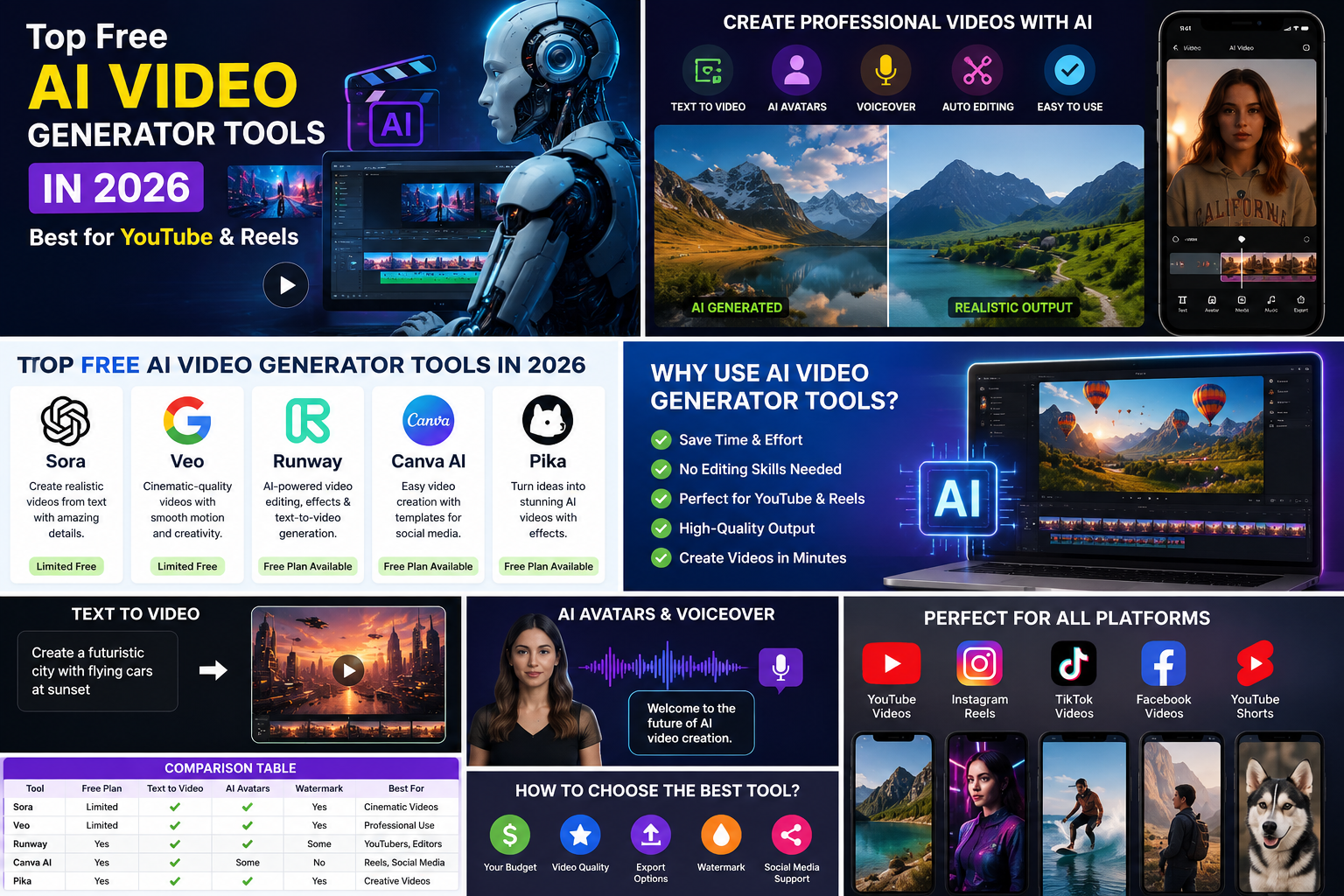
AI video creation is growing rapidly because creators want faster content production with lower costs.
Many creators also combine video tools with best AI voice generator tools in 2026 for realistic narration.
Canva has become one of the easiest AI video creation platforms for beginners. Its drag-and-drop editor combined with AI tools makes video creation extremely simple.
CapCut is one of the most popular free AI video editors in 2026. It is heavily used by TikTok and Reels creators.
InVideo AI allows users to create full videos from simple text prompts. It is ideal for YouTube automation and faceless content.
Pika Labs is becoming famous for cinematic AI-generated videos and creative animations.
Runway ML is one of the most advanced AI video platforms available in 2026. Many professional creators use it for high-quality AI filmmaking.
The future of AI video creation in 2026 and beyond looks extremely advanced and transformative. Artificial intelligence is rapidly changing the way videos are produced, edited, and shared across platforms like YouTube, Instagram, TikTok, Facebook, and even professional filmmaking industries. What once required expensive cameras, editing software, large production teams, and hours of manual work can now be done in minutes using AI-powered tools.
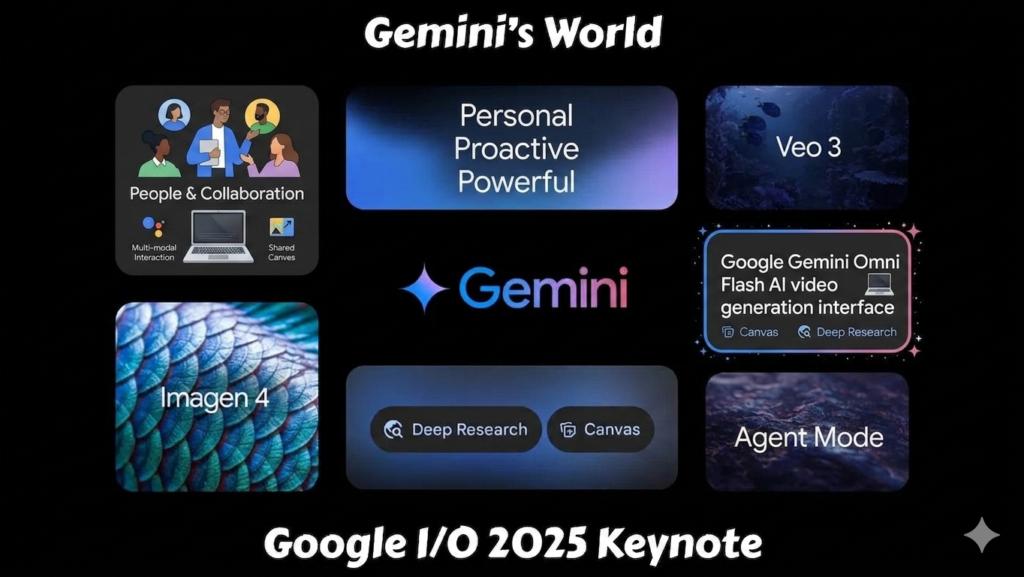
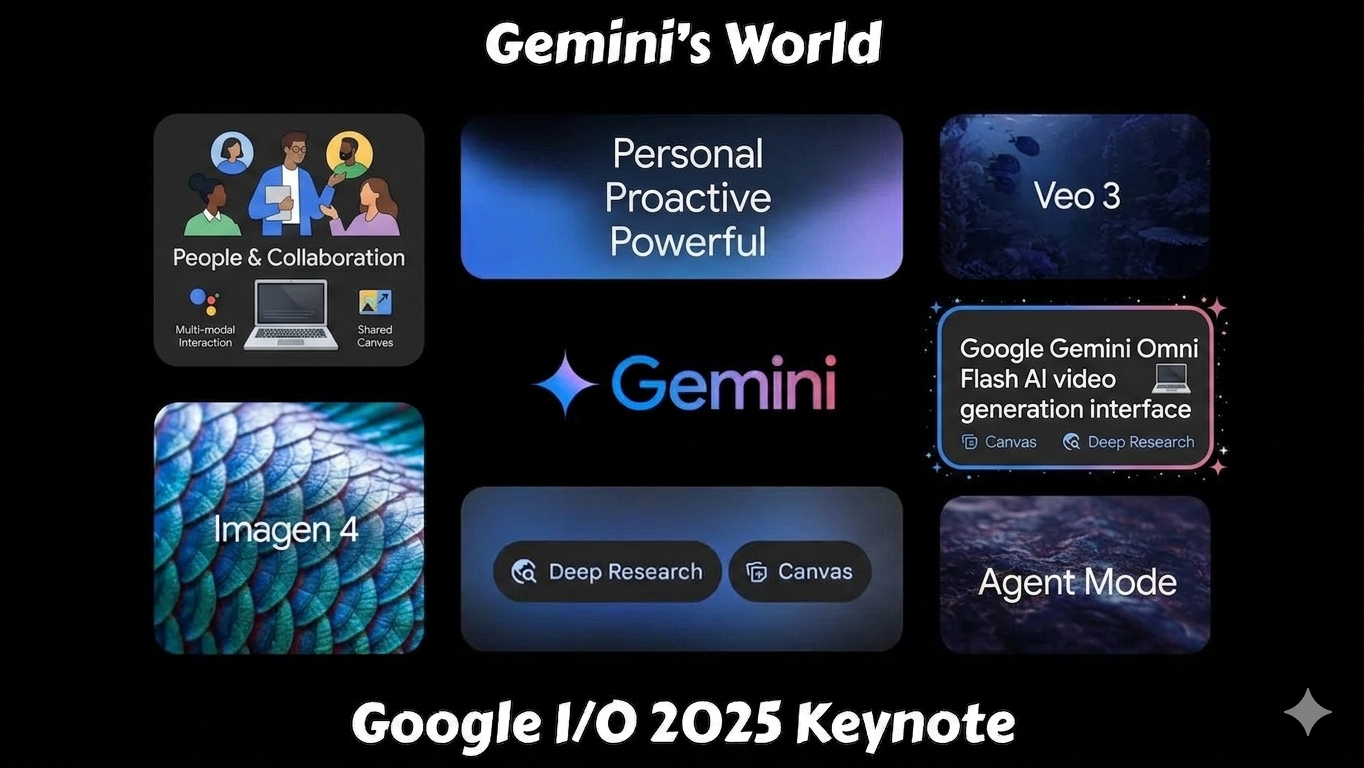
Google’s latest AI innovations are similar to features discussed in Google Gemini Omni Flash Explained.
One of the biggest future trends is fully automated video production. AI tools are becoming capable of generating complete videos from simple text prompts, including scripts, scenes, animations, subtitles, voiceovers, background music, and transitions. In the coming years, creators may simply describe an idea, and the AI will automatically create a polished video ready for publishing.
Another major development is realistic AI avatars and virtual influencers. Many brands and creators are already using AI-generated presenters for marketing, tutorials, and business videos. Future AI avatars will become more realistic, emotional, and interactive, making digital content feel more human-like. AI voice cloning technology is also improving rapidly, allowing creators to generate natural voiceovers in multiple languages instantly.
Expected future trends include:
AI video tools will likely become essential for every digital creator.
Cinematic AI video generation is expected to improve dramatically as well. Tools like Runway ML and Pika Labs are already creating realistic AI scenes and animations, and future versions may support full-length AI movies, advertisements, documentaries, and highly detailed storytelling content with minimal human editing. This could reduce production costs for creators and businesses worldwide.
Personalized AI content is another important trend. Future AI systems may generate videos specifically tailored to each viewer’s interests, language, location, or viewing habits. Social media platforms could eventually show dynamically generated AI videos customized for individual users.
AI video editing will also become faster and smarter. Features like automatic scene detection, AI-generated B-roll, smart transitions, facial editing, motion tracking, and instant subtitle generation will continue improving. Mobile AI editing apps may soon offer professional-quality filmmaking directly from smartphones.
However, as AI video technology grows, concerns about misinformation, deepfakes, copyright, and content originality will also increase. Platforms may introduce stricter rules for AI-generated content transparency and monetization. Creators who combine AI efficiency with originality, storytelling, and creativity will likely achieve the best long-term success.
Overall, the future of AI video creation is incredibly promising. AI tools are making video production faster, cheaper, and more accessible for everyone, from beginner creators to professional filmmakers. In the next few years, AI-generated content will likely become a major part of the digital media industry worldwide.
Choosing the right AI video generator depends on your content style, editing experience, and platform goals. Some tools are designed for beginners creating Instagram Reels, while others focus on cinematic AI filmmaking or YouTube automation.
Below is a detailed comparison of the top AI video generator tools in 2026 to help you decide which one fits your needs best.
| Tool | Best For | Free Plan | AI Features | Difficulty Level |
|---|---|---|---|---|
| Canva | Beginners | Yes | Templates & AI Editing | Easy |
| CapCut | Reels & Shorts | Yes | Auto Captions & Effects | Easy |
| InVideo AI | YouTube Automation | Yes | Text-to-Video | Medium |
| Pika Labs | Creative AI Videos | Limited | Cinematic AI | Medium |
| Runway ML | Professional Videos | Limited | Advanced AI Video | Advanced |
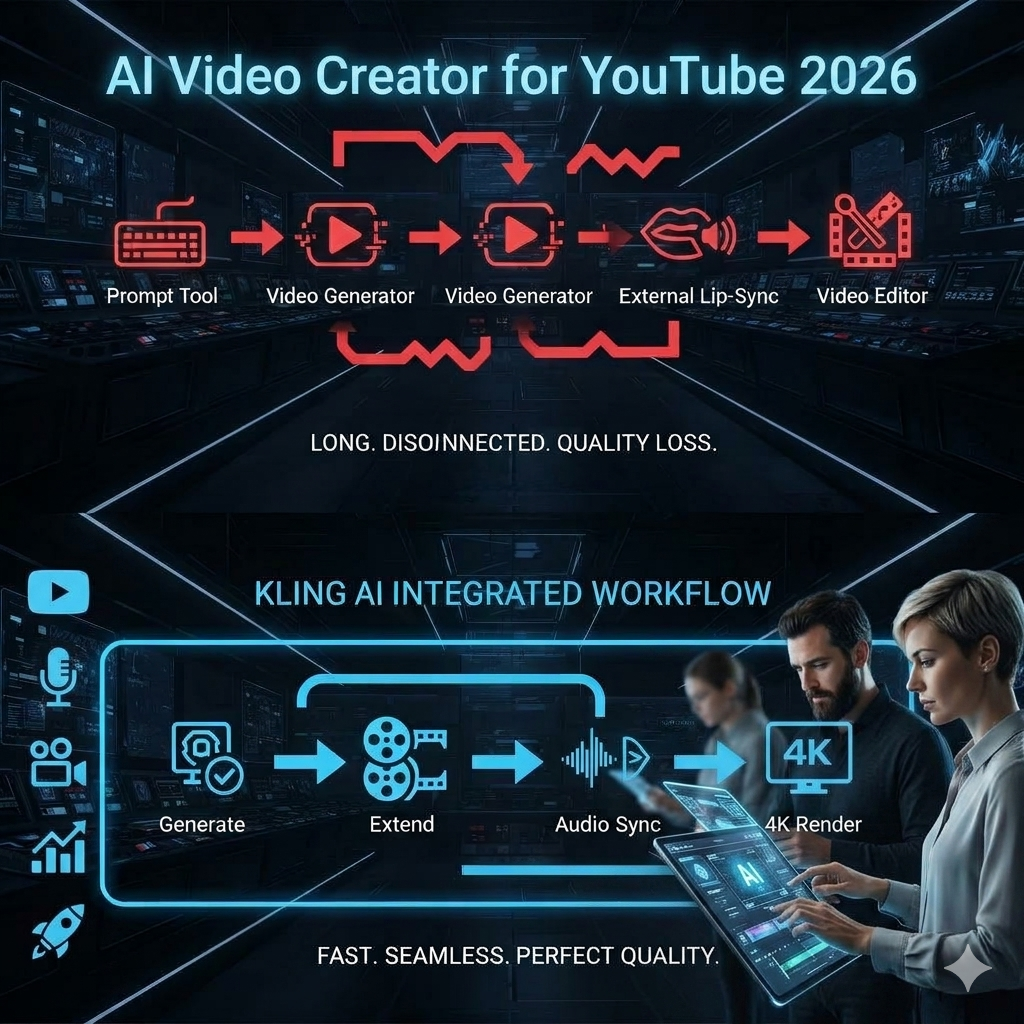
Canva is best for users who want fast and simple video editing. Its AI features are easy to use even for complete beginners.
Creating viral AI videos in 2026 is not just about using powerful tools — it is about understanding audience attention, trends, and content strategy. Short-form video platforms like YouTube Shorts, Instagram Reels, TikTok, and Facebook Videos are heavily promoting engaging and high-retention content. To increase your chances of going viral, creators should focus on making fast-paced videos with strong hooks in the first few seconds. Viewers quickly scroll away from boring intros, so starting with a surprising fact, emotional moment, or trending topic can improve watch time significantly.
Using AI tools smartly can also boost content quality. Features like automatic captions, AI voiceovers, trending transitions, cinematic effects, and text-to-video generation help videos look more professional even without editing experience. Captions are especially important because many users watch videos without sound. Adding background music and trending audio can further improve reach on social media algorithms.
Short-form content performs best on YouTube Shorts, Instagram Reels, and TikTok.
Auto subtitles improve watch time and engagement.
Trending sounds increase reach on social platforms.
The first 3 seconds are extremely important.
Daily uploads help channels grow faster.
Consistency is another major factor in viral growth. Creators who upload regularly usually perform better than those who post occasionally. Many successful creators in 2026 publish multiple Shorts or Reels every week using AI automation tools. Keeping videos short, engaging, and visually dynamic increases audience retention, which platforms reward with more visibility.
It is also important to follow current trends. Creating videos around trending AI tools, viral challenges, technology updates, motivational clips, educational facts, or entertainment topics can attract more views quickly. AI-generated thumbnails, catchy titles, and SEO-friendly descriptions also play a huge role in increasing click-through rates on YouTube and social media platforms.
Finally, creators should avoid posting fully generic AI-generated content without originality. Adding personal editing, unique storytelling, commentary, branding, or creative visuals helps content stand out from competitors. Platforms prefer valuable and original content, especially for monetization and long-term audience growth.
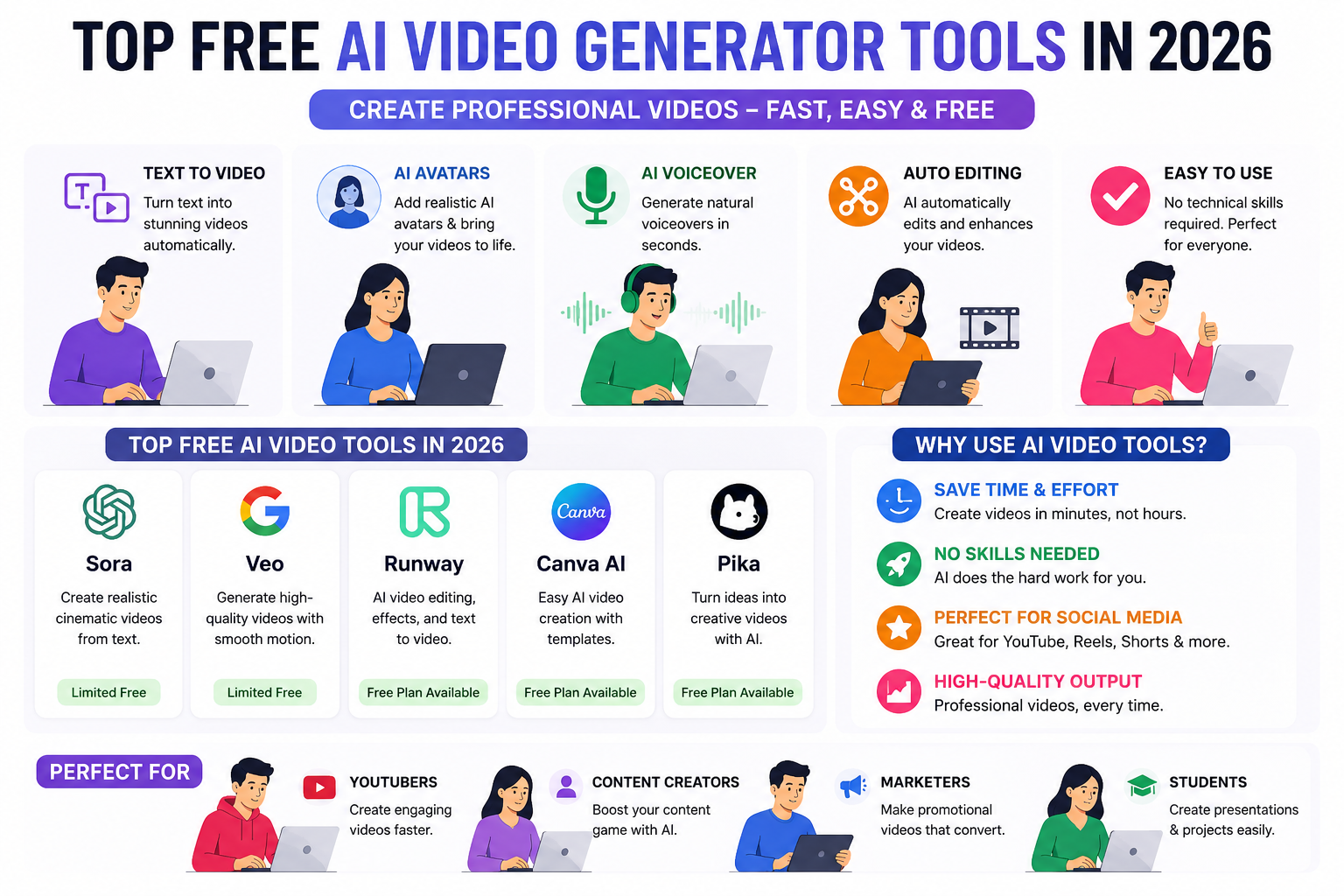
Yes, free AI video tools are absolutely worth using in 2026, especially for beginners, content creators, students, freelancers, and small businesses that want to create professional-looking videos without spending a lot of money. Modern AI video generators now offer powerful features like text-to-video creation, automatic subtitles, AI voiceovers, video templates, transitions, background music, and even cinematic effects in their free plans. These tools help creators save time and produce content much faster compared to traditional video editing methods.
However, premium plans usually provide:
For beginners, the free versions are more than enough to start growing. Many successful YouTube Shorts channels, Instagram Reels pages, and TikTok creators regularly use free AI tools to create viral content. Platforms like Canva, CapCut, and InVideo AI provide enough features for users to start building an audience without needing expensive software or advanced editing skills. Free tools are especially useful for testing content ideas, learning video editing basics, and growing social media pages before investing in premium plans.
However, free versions usually come with some limitations such as watermarks, lower export quality, limited AI credits, fewer templates, or restricted advanced features. Premium plans typically unlock faster rendering, 4K exports, advanced AI effects, and commercial usage options. Despite these limitations, free AI video generators are still powerful enough for most beginner and intermediate creators.
For creators who are just starting their content journey, free AI video tools provide an excellent opportunity to create high-quality videos, experiment with different content styles, and grow online without major investment.
AI video generator tools in 2026 are helping creators produce high-quality videos faster than ever before. Whether you are creating YouTube Shorts, Instagram Reels, educational videos, or faceless automation content, AI tools can save time and improve creativity.
For beginners, Canva and CapCut are excellent choices. For advanced creators, Runway ML and Pika Labs offer powerful cinematic features. Meanwhile, InVideo AI is perfect for YouTube automation creators.
The best strategy is to test multiple tools and choose the one that fits your content style and workflow.